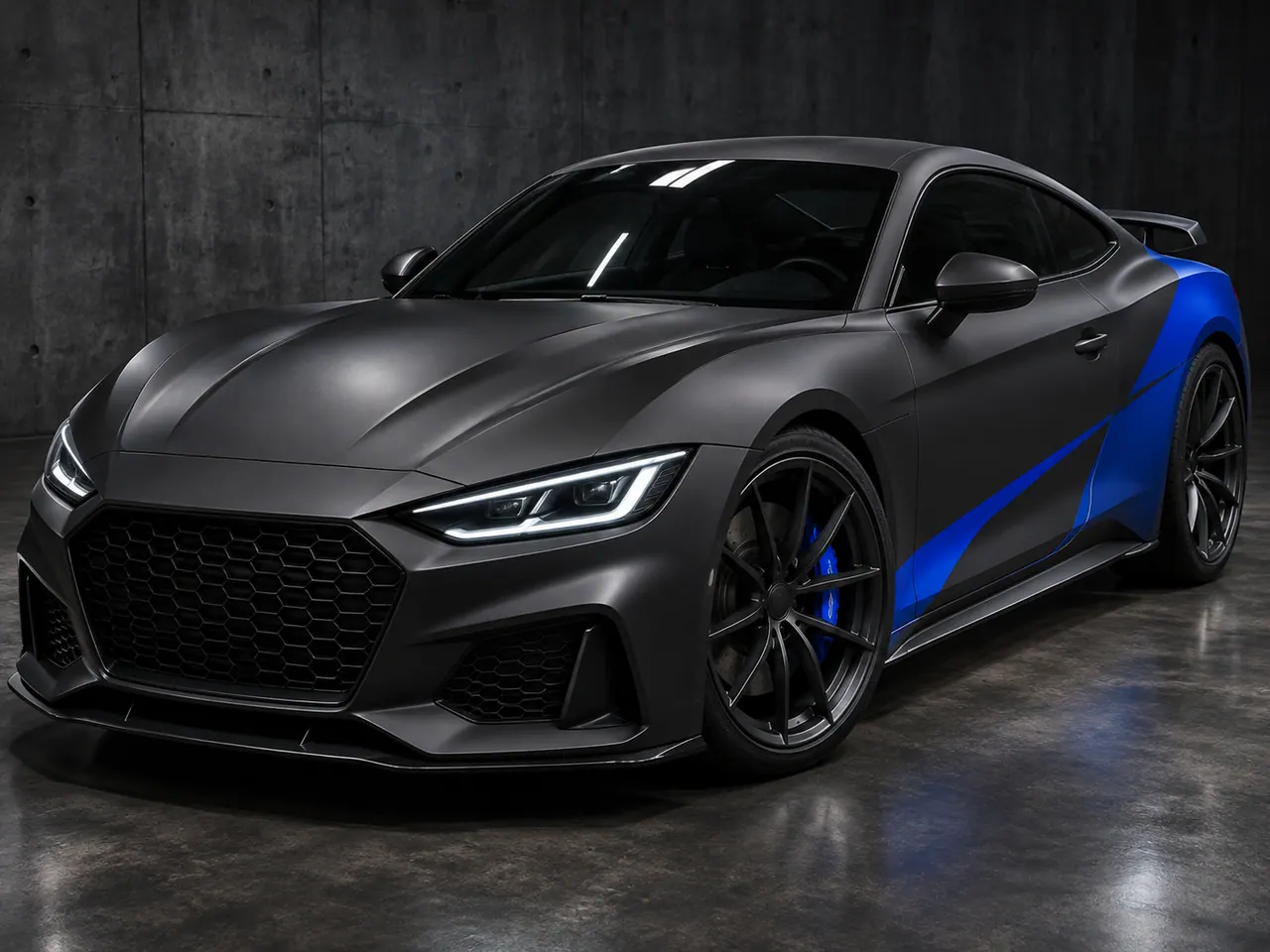
Original wrap studies
AI Car Wrap Generator Ideas
Explore twelve original AI car wrap concepts across matte, gloss, metallic and camouflage looks. Filter by visual finish, compare how each direction reads on a generic car, and carry a related style into the generator for your own photo. These synthetic images are visual studies, not real finished wraps or exact material previews. Check current pilot availability in the maker before submitting.
Upload your car photoFilter by wrap finish
AI car wrap concept gallery
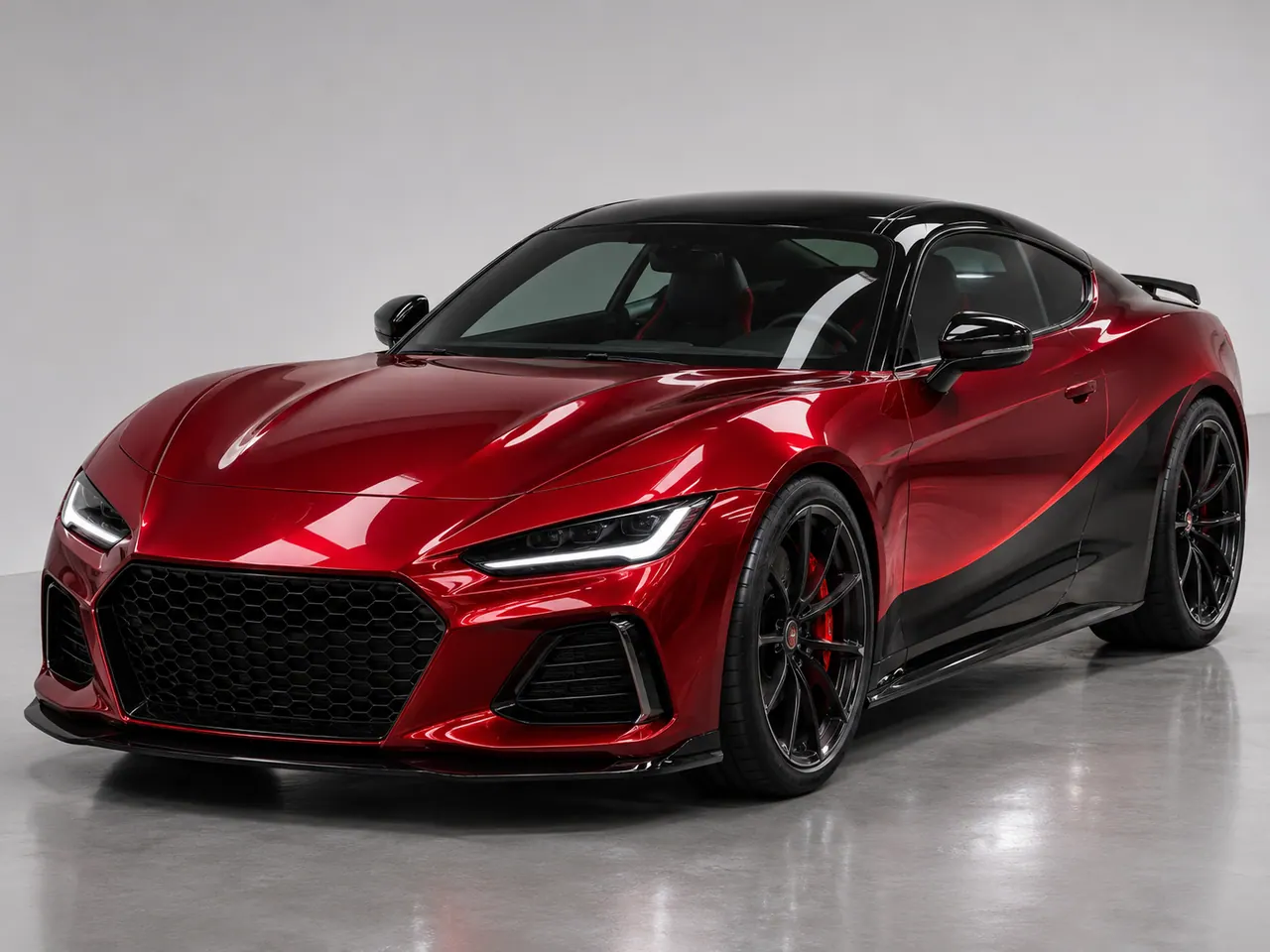
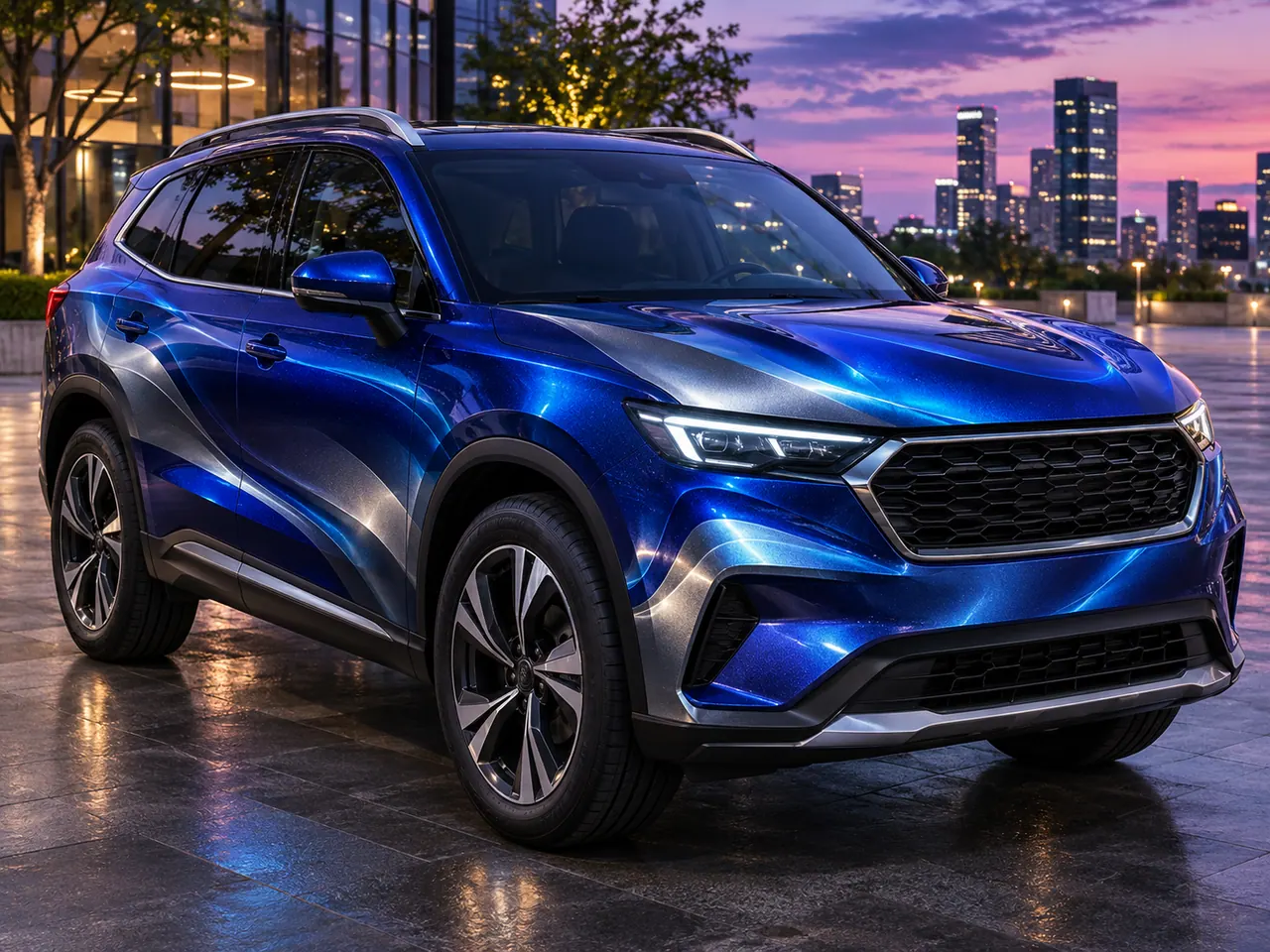
AI-synthesized examples of generic, unbranded cars.
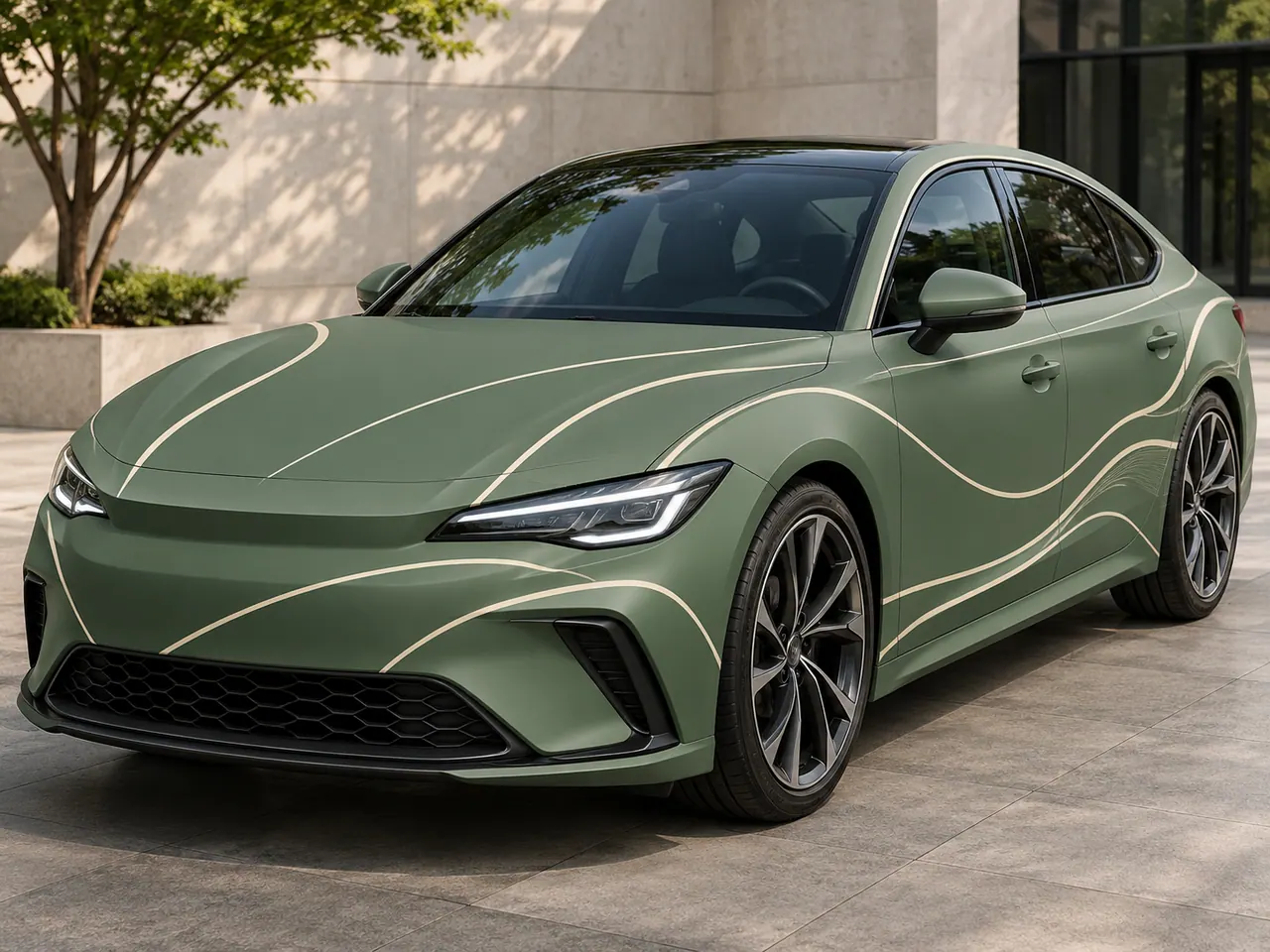
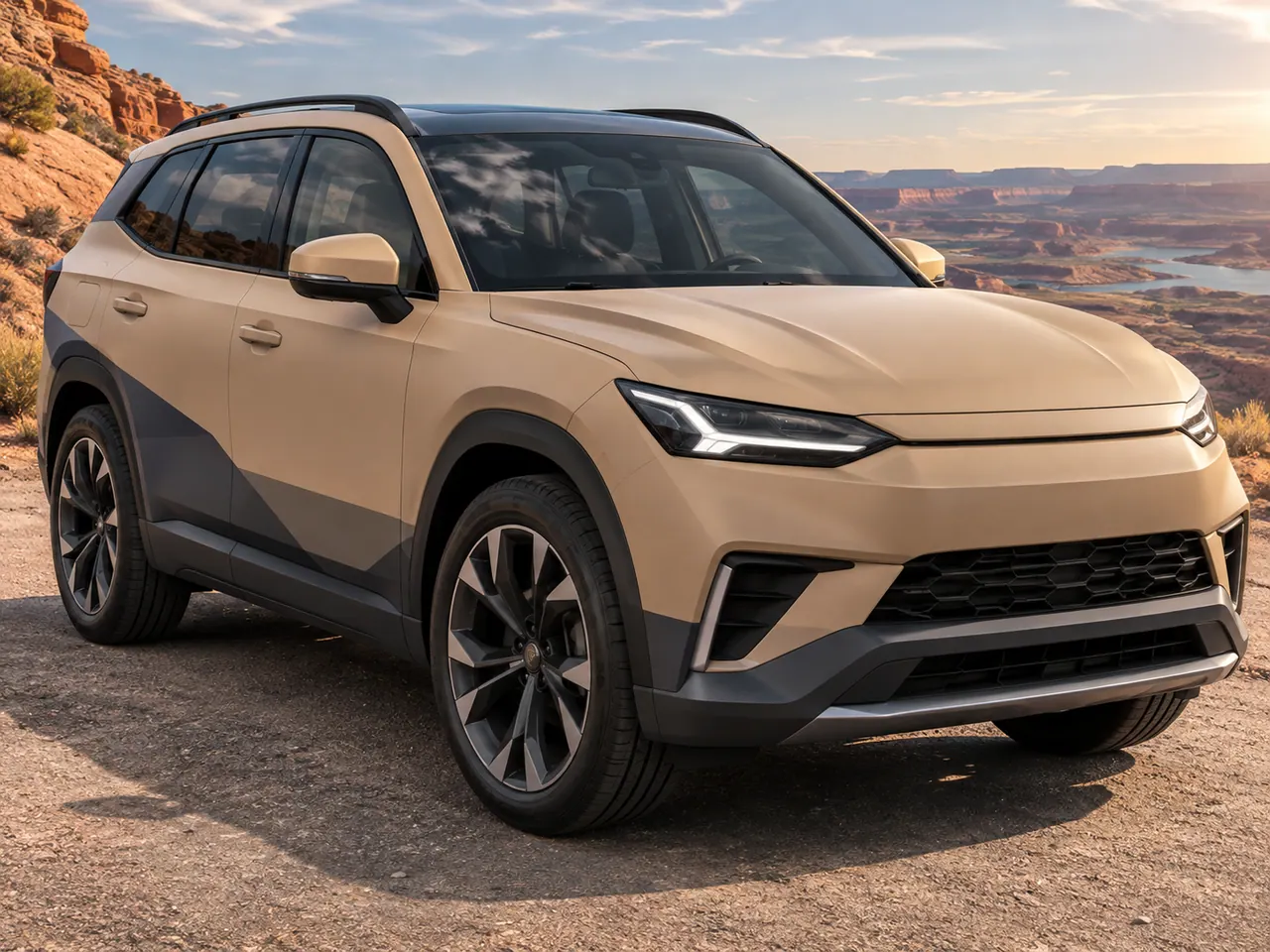
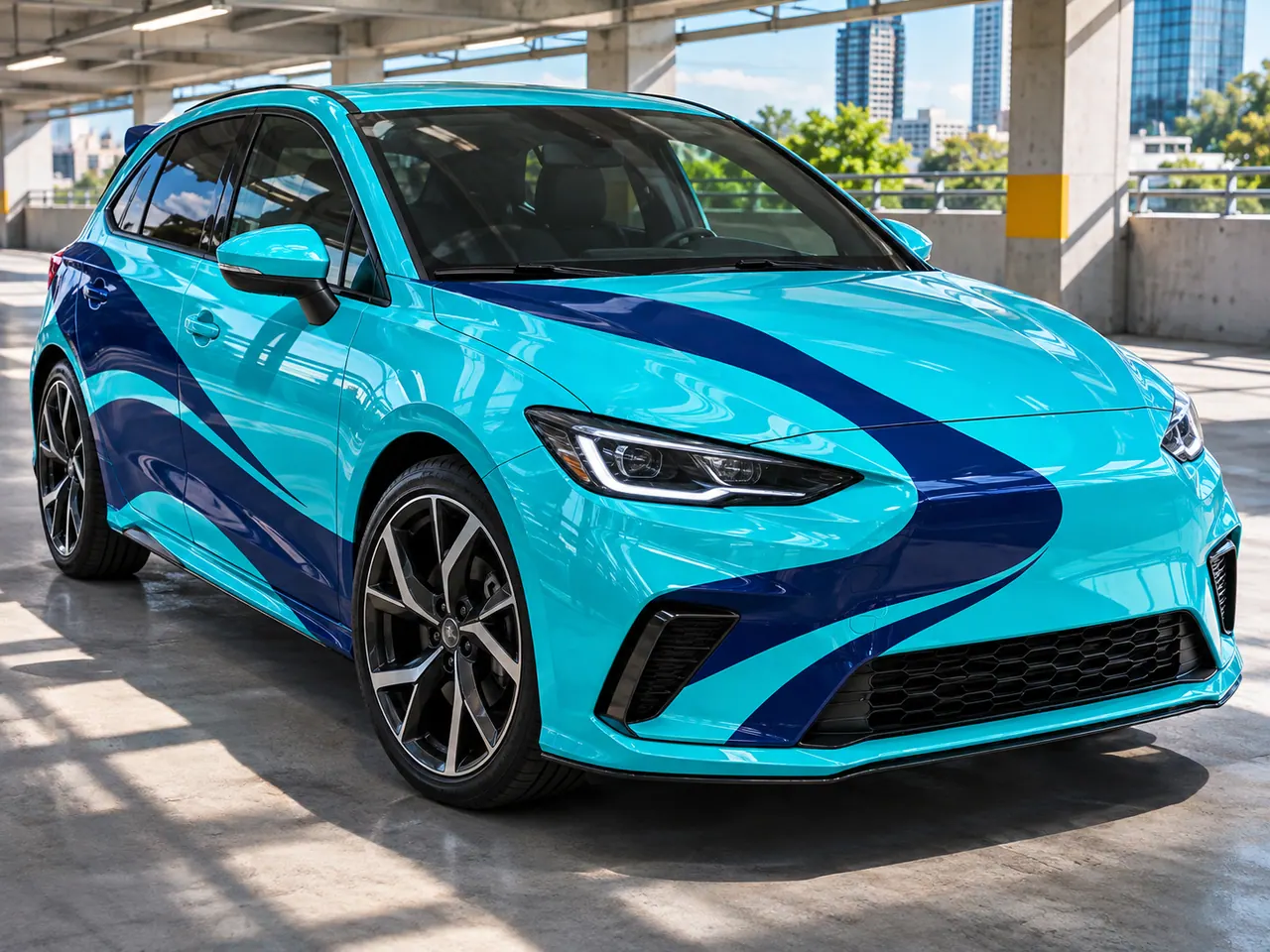
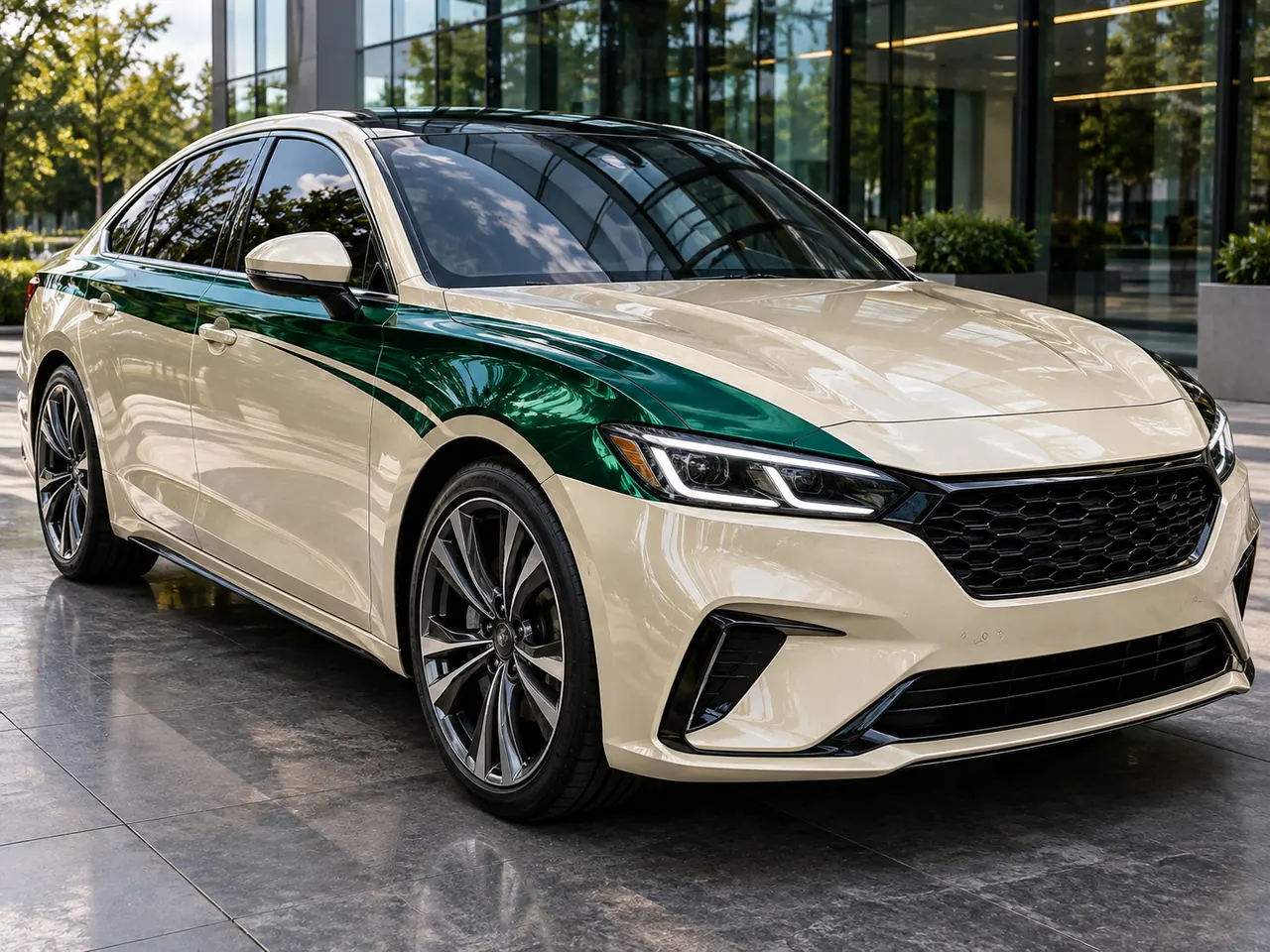
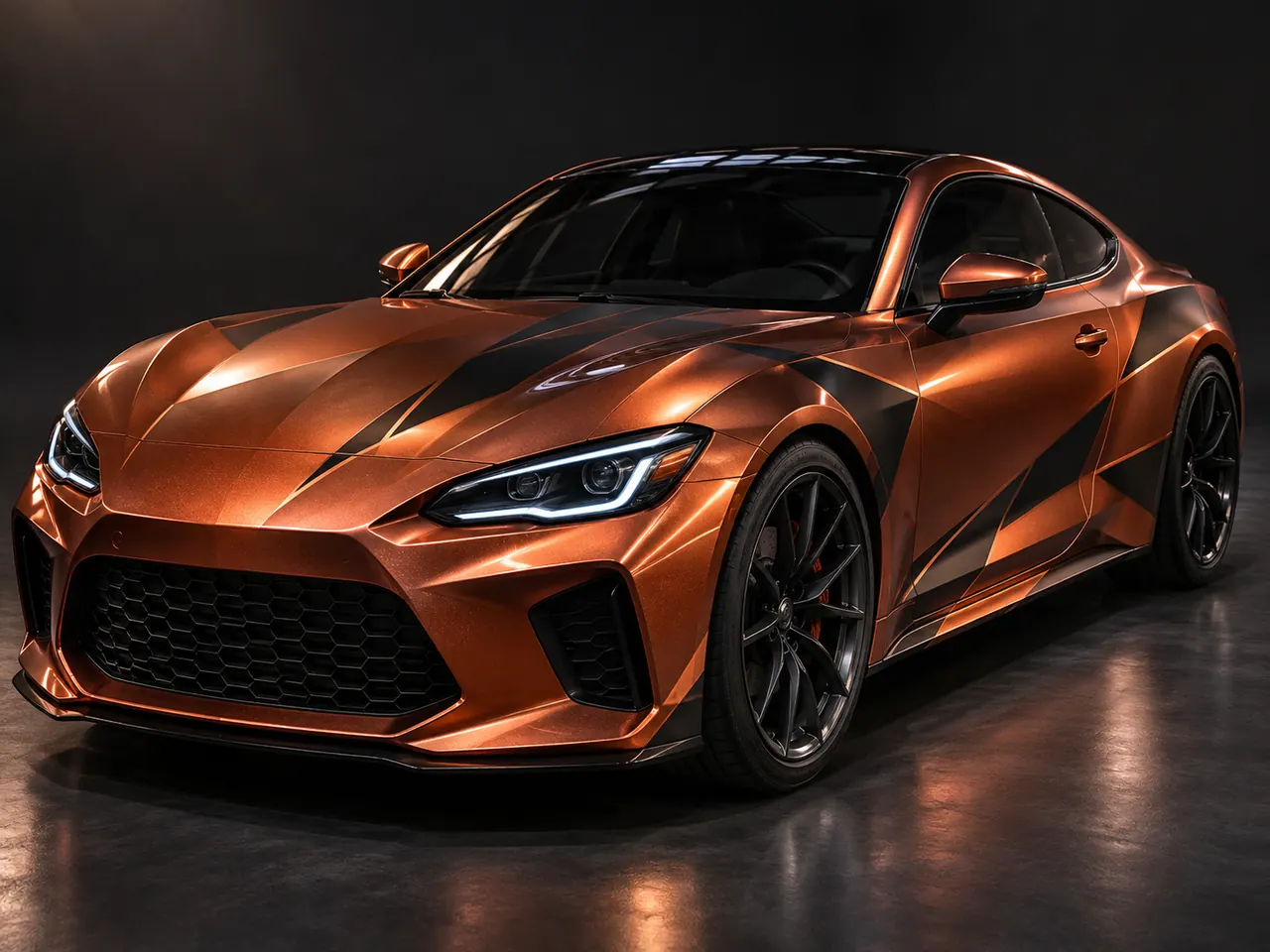
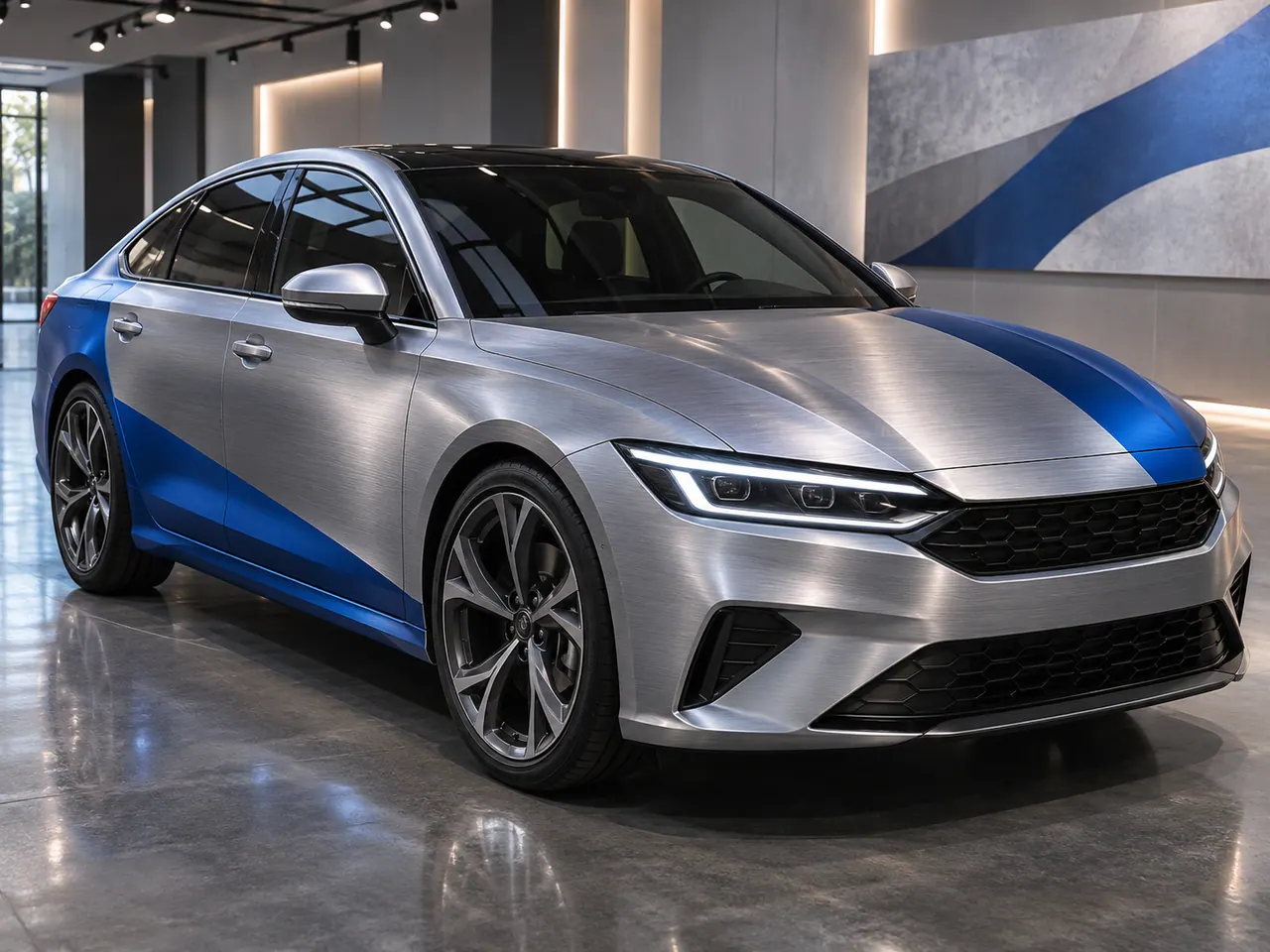
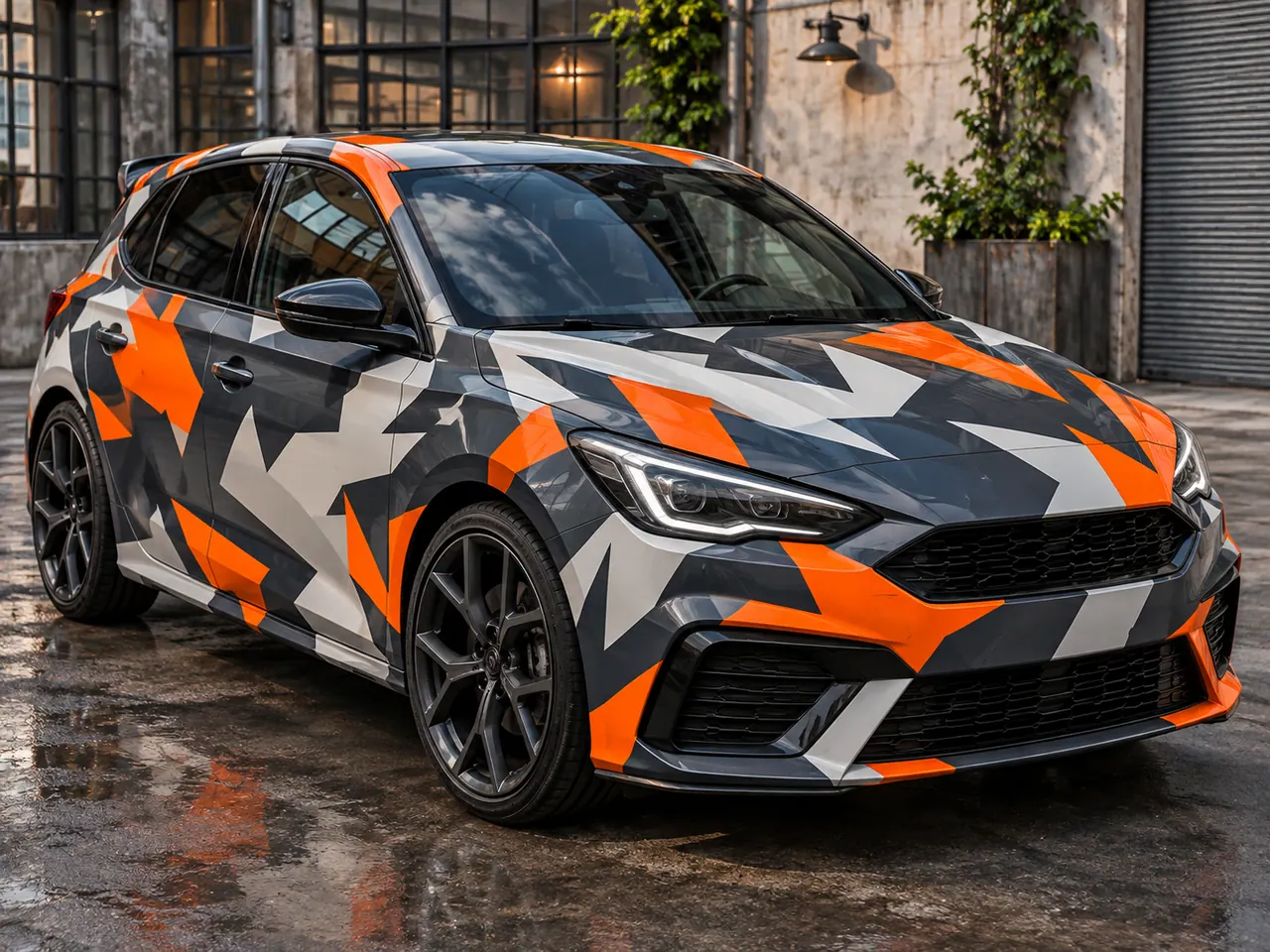
Generic hatchback · urban camo
CamouflageHatchbackUrban
AI-synthesized concept
Generate this on my car →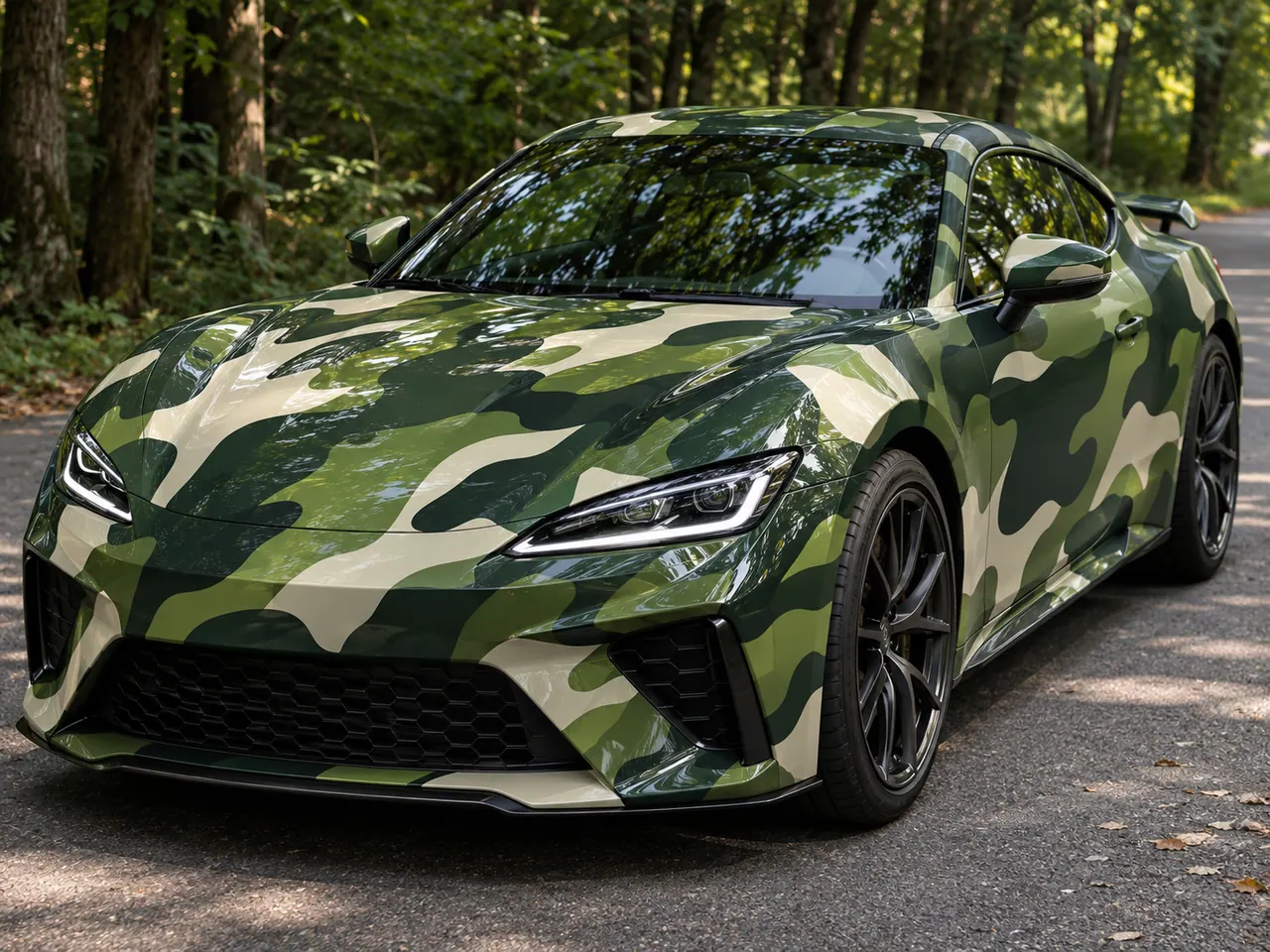
Matte and gloss wrap moods
An AI car wrap preview can help you compare the mood of a finish before you settle on a visual direction. Matte surfaces absorb highlights and put more attention on silhouette, so broad color areas often work better than tiny details. A charcoal coupe can feel quiet and technical, while sage or sand can soften the shape of a sedan or SUV. Gloss has a brighter visual rhythm: reflections make curves more prominent, and a saturated crimson or cyan can feel energetic in a clean setting. When writing a prompt, describe both the finish and the colors you want to see, then specify whether the graphics should be restrained or bold. The examples here are synthetic images of generic cars. They show a possible look under one lighting setup, not a guaranteed finish on your own vehicle.
Metallic color and reflected light
Metallic wrap concepts are especially sensitive to lighting. Copper can look warm in one scene and muted in another; blue can shift from deep navy to bright electric highlights. A useful AI car wrap prompt names the base color, the metallic mood and the setting where you want to judge it. Try a studio view for clean shape reading, then compare a daylight or twilight view as a separate idea. Keep supporting graphics simple so the reflected light remains the main feature. The current generator offers a chrome-related visual preset for these examples, but that preset is not a precise metallic-material control. Treat the output as an image study. Comparing a few directions on your own car photo can help you decide what to explore further without claiming the preview matches a physical material sample.
Camouflage and a clear concept brief
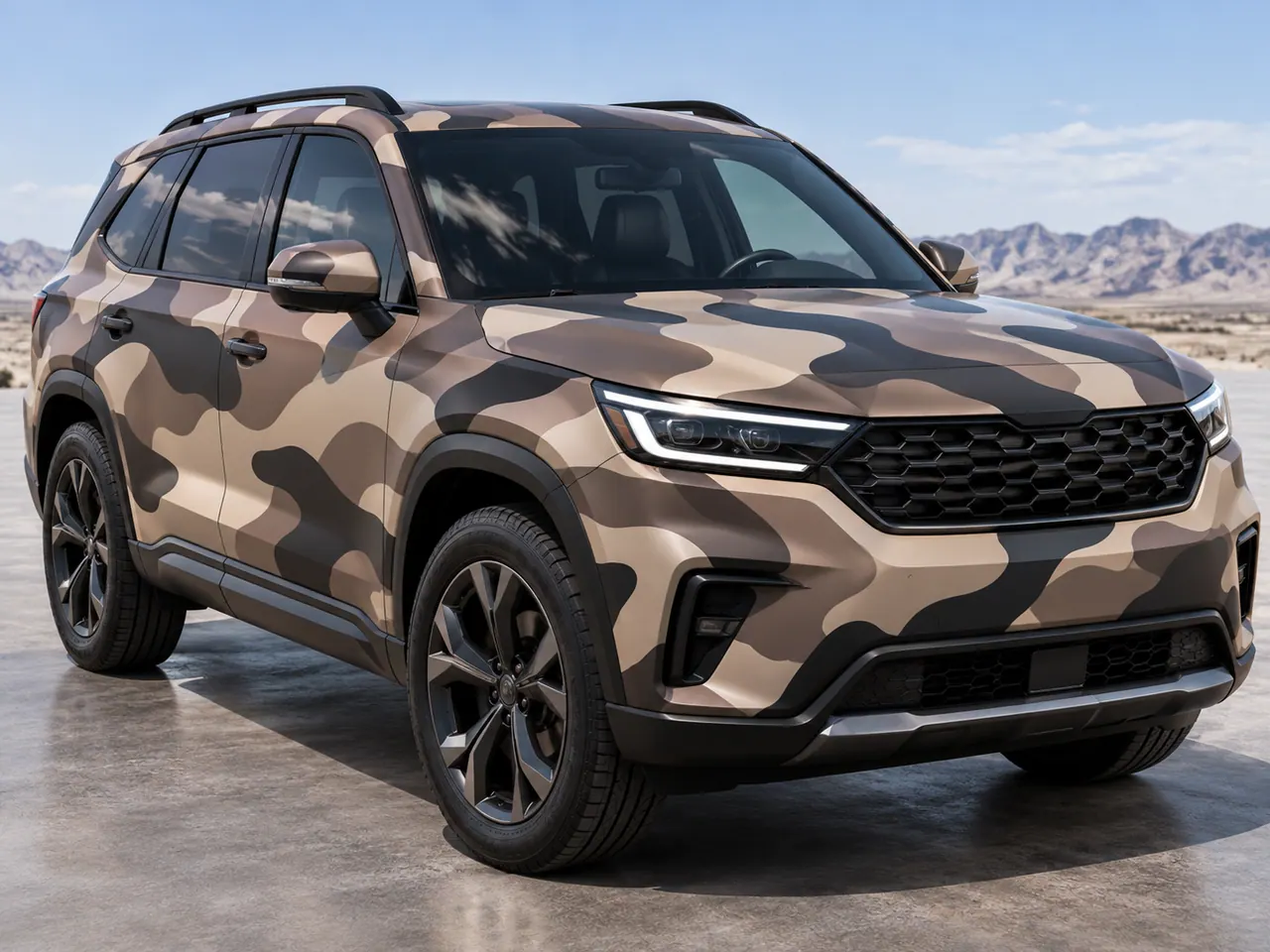
Camouflage can create a strong wrap identity without using a recognizable team or brand graphic. Urban palettes may combine slate, off-white and one bright accent; forest palettes can use layered greens; desert palettes can stay close to tan and charcoal. The shapes should respond to the car body, especially where the hood meets the doors and rear quarter. Keep the pattern readable at thumbnail size before adding detail. People often use wrap and livery for overlapping visual ideas; on this page, wrap describes the look explored in the AI image. For a clearer prompt, describe the vehicle type, palette, shape scale and how much of the body should carry the pattern. These are fictional AI-synthesized concepts, so they are useful for visual comparison rather than evidence of a real finished vehicle.
Explore related car looks
AI car wrap questions
Can I preview a wrap on my own car photo?
The maker has an upload-photo flow and can carry a related style from a gallery card. It shows current pilot availability before you submit.
Do the finish filters change the generator material?
No. The filters organize this gallery. Each card opens the closest available visual preset, and you can refine the prompt yourself.
Are these photos of completed car wraps?
No. Every gallery image is an AI-synthesized concept of a generic car, with no manufacturer or wrap-company affiliation.
Will the result match a real color or finish exactly?
No. The image is a visual concept, and lighting or screen settings can change how a color appears.